VHP4Safety videos on SURF’s PeerTube instance
PeerTube is open source software for sharing videos, like project introductions, webinars, and demos, and screenshots explaining how to use software. The Dutch SURF overs an PeerTube instance for use by Dutch higher education. VHP4Safety uses this platform to share videos. This document describes how you can watch these videos, but also how you can receive alerts when new videos show up.
Watching videos
The simplest way to watch videos is to just visit our VHP4Safety channel at https://video.edu.nl/a/vhp4safety/videos. That website looks something like this:
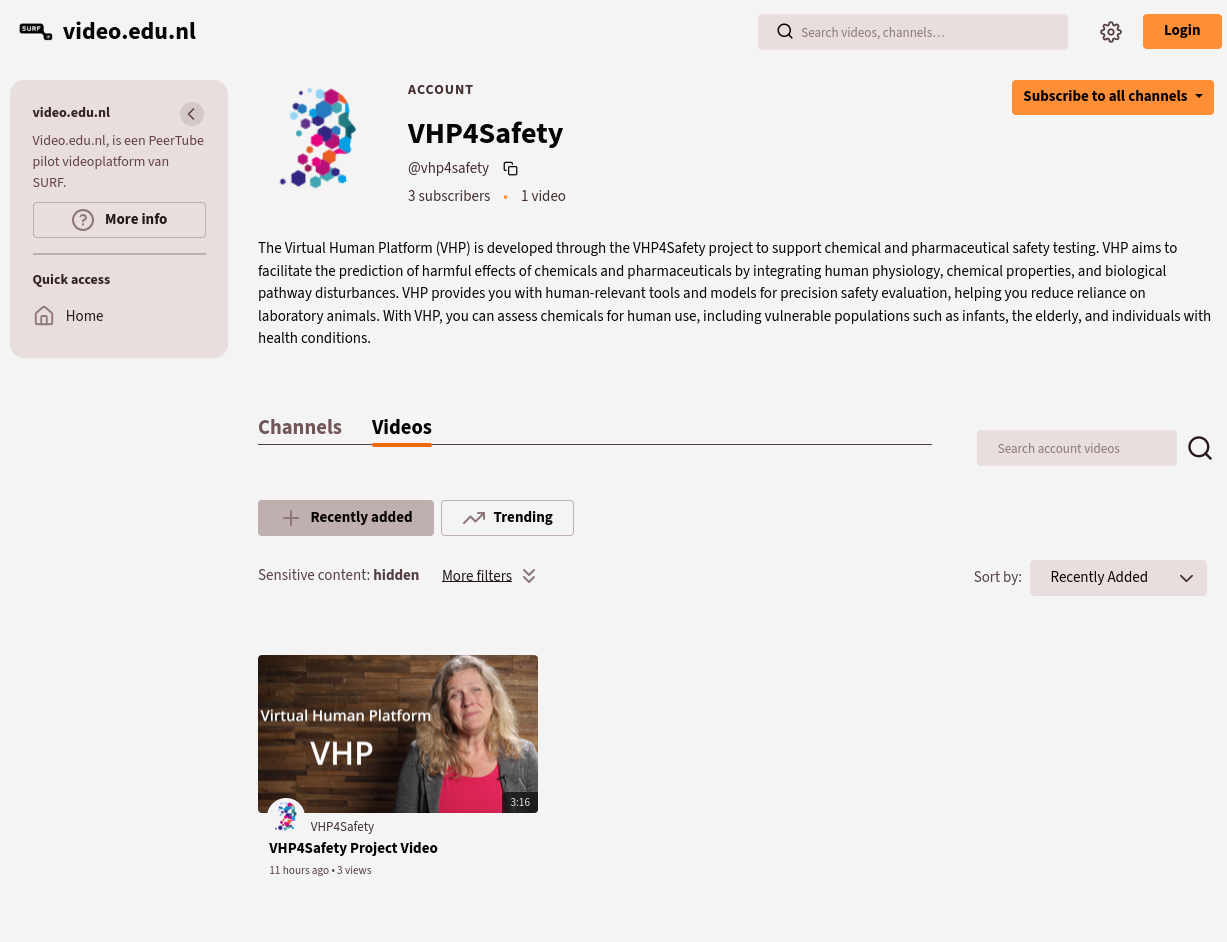
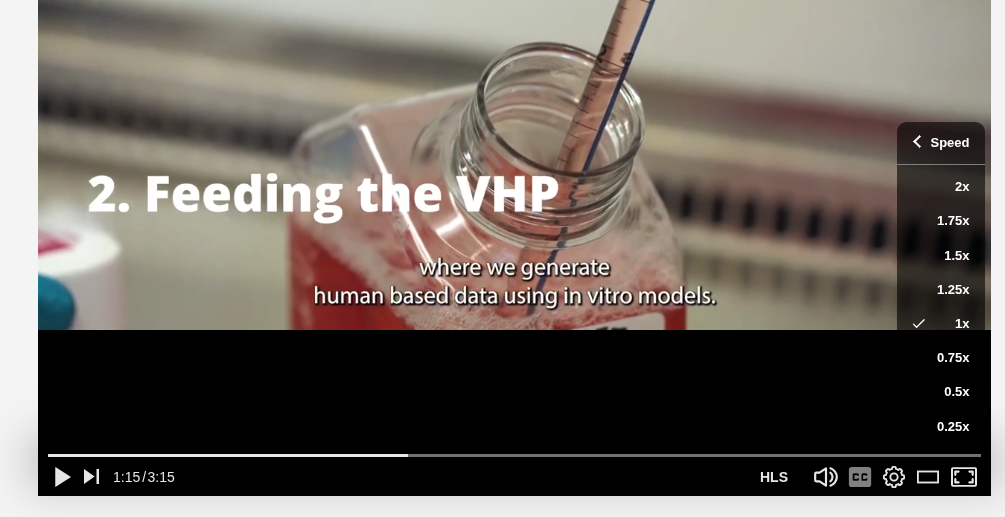
You do not need an account and you do not need to accept any cookies that may track your online behavior. You can click a video and it will automatically start playing the video. You can pause or stop the video, change the speed, and customize your experience with various other common features you are used to:
Subscribing to the VHP4Safety videos
If you like to get alerted about new videos on our PeerTube channel, there are two options.
Following via the fediverse
If you have a fediverse account, e.g. Mastodon account via SURF’s social.edu.nl platform,
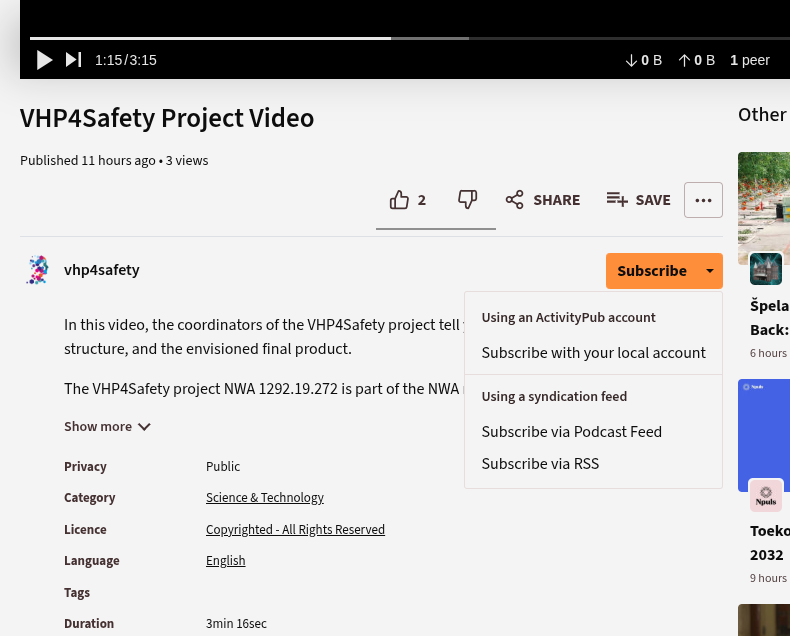
then you can just subscribe via the Subscribe button below the video and select
Subscribe with your local account:
Maybe easier, however, is to just follow directly from
your fediverse client software, search for VHP4Safety profiles, and select the
@vhp4safety@video.edu.nl account. In both cases, the next time our project posts a video,
you get a message via the fediverse.
Following via a podcast or RSS feed
If you prefer to have the videos show up in your podcast application or in your newsfeed application (for example Feedly), then the PeerTube software provide two feeds:
Final notes
We welcome all videos related to VHP4Safety. If your project video can be added too, please contact us.